A few months back, someone emailed me saying, “hey, ChatGPT mentioned your site when I asked about home espresso grinders — figured you’d want to know.”
I read that email twice.
I hadn’t done anything I’d call “AI SEO.” I wasn’t running some special optimization plan for ChatGPT or Perplexity. I was just writing my usual reviews, the same way I had for two years. So naturally, I got curious and started testing the exact same questions myself in ChatGPT and Perplexity to see what was happening.
Some of my posts showed up. A lot didn’t. And weirdly, a few posts that rank nowhere near page 1 on Google were the ones getting pulled into AI answers, while some of my best-ranking Google posts never showed up at all.
That mismatch is basically the whole story of AI search right now. Ranking on Google and getting cited by an AI tool are related, but they are not the same game, and I learned that the confusing way — by comparing notes on my own site instead of reading a theory about it first.
Wait, Why Doesn’t Good Google Ranking Just Carry Over?
Here’s the simplest way I can explain what I’ve pieced together from testing my own content.
Google ranking is mostly about matching a query to the single best page and sending you there. AI tools like ChatGPT, Perplexity, and Google’s AI Overviews are doing something different — they’re pulling short chunks of information from multiple sources, blending them into one answer, and deciding which sources are worth naming.
That means a page can be genuinely excellent for a human reader clicking through ten blue links, but hard for an AI system to lift a clean, quotable answer from — maybe the actual answer is buried in paragraph four after three paragraphs of storytelling.
Meanwhile, a shorter, more direct page that answers one specific question clearly can get pulled into an AI response even if it never cracked Google’s top 10.
Once I understood that, my whole approach to writing changed a bit.
The Robots.txt Mistake That Actually Explained Half My Problem
Here’s the embarrassing part.
When I dug into my site’s technical setup, I found that a security plugin I’d installed ages ago had quietly added rules blocking a bunch of crawlers I didn’t recognize the names of. Among them: GPTBot and a couple of other AI-related crawlers.
I hadn’t done this on purpose. I’d just clicked “block suspicious bots” during setup without reading the list carefully.
So for who knows how long, I was writing content and wondering why certain AI tools never picked it up, while accidentally telling those same tools’ crawlers to stay away.
How I Checked and Fixed It
- I opened my site’s robots.txt file (yoursite.com/robots.txt — anyone can check theirs the same way).
- I looked for any “Disallow” rules tied to crawler names like GPTBot, PerplexityBot, Google-Extended, or ClaudeBot.
- I removed the blocks on the ones I actually wanted access, since I was fine with my content being referenced with a link back.
- I re-checked the file after saving to make sure the plugin hadn’t just reapplied the same rule automatically.
If you’ve never looked at your robots.txt file, it’s worth five minutes. I’ve talked to two other bloggers since who found the exact same accidental block, usually from a security plugin or a “block AI scrapers” setting they’d enabled without thinking it through.
What Actually Seemed to Help After That
I want to be upfront here: nobody outside these companies knows the exact formula, and anyone claiming a guaranteed formula is stretching the truth. What I’m sharing is what changed after I made adjustments, based on watching my own citations over several months.
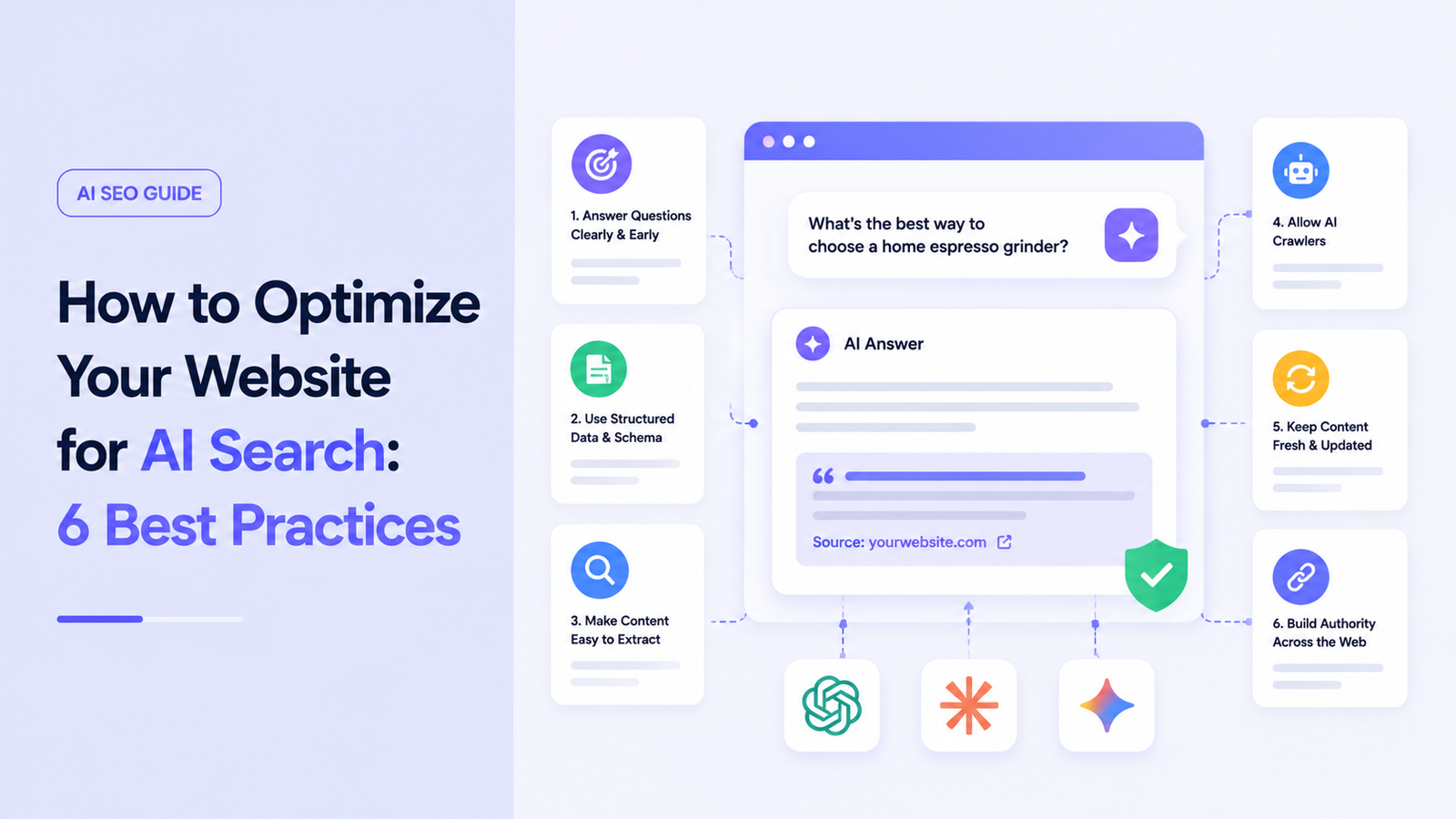
1. Answer the Actual Question in the First Few Sentences
I used to open posts with a little story or backstory before getting to the point. Fine for a human reader who’s patient, less fine for a system trying to extract a clear, standalone answer.
Now, right under a heading like “How long does espresso grinder burr steel usually last,” I put a direct, complete answer in the first sentence or two, then follow with the story and detail afterward.
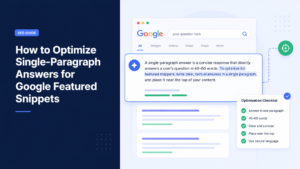
This is the same approach I use when writing content for featured snippets. If you want to learn more, check out my guide on How to Optimize Single-Paragraph Answers for Google Featured Snippets.
It reads a little more like how a knowledgeable friend would actually answer if you asked them directly, before going off on a tangent.
2. Use Headings That Match Real Questions
Instead of a heading like “Grinder Maintenance,” I started writing headings closer to how someone would actually phrase a question: “How Often Should You Clean a Burr Grinder?”
This isn’t just a Google SEO trick from years back. It genuinely seems to help AI tools match a specific chunk of your page to a specific question being asked.
3. Add Structured Data (Schema Markup)
I’m not a developer, so I do this through my WordPress SEO plugin (I use Rank Math, though Yoast works similarly) rather than writing raw code.
For how-to and FAQ-style content specifically, I turned on FAQPage and HowTo schema where relevant. It won’t magically get you cited, but it makes it easier for machines to understand what type of content is on the page and where the actual answer sits.
4. Keep Things Updated, Especially for Perplexity
I noticed Perplexity in particular seemed to favor content that looked recently reviewed or updated, more than ChatGPT did. Makes sense, since Perplexity leans heavily on live web results rather than pulling only from training data.
Now, when I update a post — a new grinder model, a corrected fact, a changed recommendation — I update the visible “last updated” date and actually rewrite the relevant section, instead of just changing the date and hoping nobody notices.
5. Show Up Somewhere Other Than Just Your Own Site
This one surprised me the most.
I noticed that products and topics I’d also discussed on Reddit threads (using my actual account, not some spammy plug) or that got mentioned in YouTube comments started appearing more consistently in AI answers.
It seems like these tools give more confidence to information that shows up in more than one independent place — your blog, plus a Reddit thread, plus maybe a review site — rather than a claim that only exists on one lonely page with no outside confirmation.
That doesn’t mean go spam forums. It means genuine participation in your niche’s actual conversations, the kind you’d do anyway if you cared about the topic, seems to feed into this in a way I didn’t expect.
6. Verify Your Site With Bing Webmaster Tools
This one’s easy to skip because Bing feels like an afterthought to most bloggers, but it matters more than people assume for one specific reason: Microsoft Copilot pulls a lot of its answers from Bing’s index.
If your site isn’t verified and indexed properly in Bing, you’re basically invisible to Copilot no matter how good your content is.
Bing Webmaster Tools also rolled out a dashboard this year that shows which of your pages get cited in Copilot answers and what queries triggered it — genuinely useful, and something Google hasn’t offered for its own AI Overviews.
How I Actually Track Any of This
There’s no single dashboard that shows “your ChatGPT citation performance” the way Search Console shows Google performance. So I do it manually, which is a little tedious but works.
- I keep a running list of 15–20 realistic questions people in my niche would actually ask.
- Once every couple of weeks, I run them through ChatGPT (with browsing/search enabled) and Perplexity.
- I note which of my posts show up, which competitor sites show up instead, and whether the answer given even matches what I’d recommend.
- For Bing/Copilot specifically, I check the AI Performance section inside Bing Webmaster Tools instead of guessing.
It’s not scientific, but after a few months you start noticing real patterns — which types of posts get pulled in consistently and which never do.
A Mistake I’d Warn Anyone About
Somewhere in my research, I came across services promising guaranteed placement or citations in ChatGPT or Perplexity for a monthly fee. I want to be direct about this: as of right now, there’s no legitimate paid placement system inside these AI tools. Nobody can sell you a guaranteed spot in an AI-generated answer.
If something’s being sold to you that way, treat it the same way you’d treat someone promising guaranteed #1 Google rankings for cash. It’s not how the system works, and it’s a decent sign to walk away.
A Simple Checklist Before You Worry About Anything Fancier
- Check robots.txt for accidental blocks on GPTBot, PerplexityBot, Google-Extended, or ClaudeBot
- Answer the core question directly within the first sentence or two under each heading
- Phrase headings the way a real person would ask the question
- Add FAQ or HowTo schema where it genuinely fits the content
- Update old posts with real changes, not just a refreshed date
- Verify and monitor your site in Bing Webmaster Tools
- Show up authentically in a couple of other corners of your niche, not just your own blog
Where This Leaves Me Now
I still write for actual humans first. That hasn’t changed, and I don’t think it should. But I’ve stopped assuming that a good Google ranking automatically means an AI tool will ever mention me, and I’ve stopped ignoring the technical side of things I used to consider “not my problem,” like robots.txt files and Bing verification.
Some weeks my posts show up in three different AI answers I test. Other weeks, nothing changes at all, and a competitor I’ve never heard of gets cited instead. That’s honestly just where things are right now — a moving target, run by systems that don’t publish their rulebook.
What I do know is that fixing that one accidental crawler block did more for my AI visibility than any single piece of content I’ve written since. Sometimes the biggest win isn’t a clever new strategy. It’s just getting out of your own way.