

There was a post on my site that sat at position 14 on Google for almost eight months. Not terrible, not great — just stuck. Page two, basically invisible to anyone who doesn’t scroll past the first ten results.
I kept telling myself it just needed “more time.” Eight months later, still position 14. Turned out the problem wasn’t time at all — it was a handful of fixable things I hadn’t bothered to check because I assumed good writing alone would eventually do the job.
Once I actually worked through those issues one at a time, that post moved to position 6 within about six weeks. Nothing dramatic, no secret trick, just a checklist I now run through every time a page is underperforming. Here’s that exact process.
Step 1: Check Where You Actually Rank Before Changing Anything
This sounds too basic to mention, but a lot of people skip it and just start “optimizing” blind.
Open Google Search Console, go to Performance, filter by the specific page, and look at the Queries tab. This shows you the exact keywords that page is already getting impressions and clicks for — not just the one keyword you originally had in mind when you wrote it.
Half the time, I find the page is actually already ranking decently for a keyword I never intentionally targeted, which changes what I focus on fixing.
Step 2: Make Sure You’re Actually Matching Search Intent
This was the biggest fix for that stuck post of mine. I’d written a straightforward blog-style explainer, but when I searched the target keyword myself, most of page one was list-style comparison posts.
Google was matching searcher expectations, not just topic relevance. My content was on-topic but in the wrong format.
How to Check This
- Search your exact target keyword in an incognito window.
- Look at the format of what’s ranking — listicles, how-to guides, product pages, tools, videos.
- Adjust your content structure to match, without copying anyone’s actual content.
I restructured my post from a plain explainer into a clearer step-based format (similar to what you’re reading right now, honestly), and that alone made a noticeable difference.
Step 3: Fix Your Title Tag and Meta Description
These don’t directly boost your ranking position the way people think, but they heavily affect whether people actually click when they do see you — and click-through rate is something Google does seem to factor into how a page performs over time.
- Keep your title under about 60 characters so it doesn’t get cut off.
- Front-load the important keyword, but keep it readable — no robotic keyword stuffing.
- Write the meta description like an actual invitation to click, not a dry summary.
I compared two versions of a title for that same post:
- Before: “Keyword Ranking Tips and Information”
- After: “Improve Your Keyword Rankings: 10 Steps That Actually Worked”
The second one got noticeably more clicks for the same ranking position, based on the Search Console CTR data before and after the change.
Step 4: Add Real Depth and Experience, Not Just More Words
I used to think “improving” a page meant padding it with more sections. That’s not really the fix. What actually helped was adding things that showed I’d genuinely done the thing I was writing about — specific numbers, a real screenshot, an actual mistake I made along the way.
- Replace vague statements with specific details (“traffic increased” becomes “went from around 40 to 210 monthly clicks over six weeks”)
- Add a real example, case, or personal result
- Remove filler sentences that don’t add anything new
This lines up with what Google has said about rewarding content that shows genuine experience and expertise, not just well-organized information that could’ve been written by anyone.
Step 5: Clean Up Your Internal Linking
This step gets ignored constantly, and it’s one of the easiest to fix.
Your strongest, highest-authority pages can pass some of that strength to weaker pages through internal links. If your struggling page is basically an orphan with no links pointing to it from anywhere else on your site, it’s not getting much help.
How I Do This
- Use Screaming Frog (the free version covers up to 500 URLs, which is plenty for most small sites) to crawl your site and see which pages have almost no internal links pointing at them.
- Find 3-5 relevant, higher-traffic pages on your site.
- Add a natural, contextual link from those pages to the one you’re trying to improve.
For my stuck post, I added links from two of my best-performing articles that covered related topics. That alone seemed to help Google crawl and reassess the page more frequently.
Step 6: Check Your Page Speed and Core Web Vitals
I’ll admit this one felt like a technical rabbit hole the first time I looked into it, but it’s more manageable than it seems.
Run your URL through Google’s PageSpeed Insights tool (free) or check the Core Web Vitals report inside Search Console. Look specifically at:
- Loading speed (how fast the main content appears)
- Interactivity (how quickly the page responds to clicks/taps)
- Visual stability (whether things jump around as the page loads)
For my WordPress site, the biggest wins came from:
- Compressing images before uploading (I now just run everything through a compression step before it goes into the media library)
- Removing a couple of unused plugins that were quietly loading scripts on every page
- Switching to a lighter-weight theme
None of this fixes rankings by itself, but a slow, clunky page makes everything else you do work harder than it needs to.
Step 7: Look at Your Backlink Profile Honestly
I’ve made this mistake before, so I’ll just say it plainly: I once paid for a batch of cheap backlinks from a gig marketplace, thinking it’d give a quick boost. It didn’t help, and a few months later I noticed some odd, spammy-looking domains linking to my site that I had to disavow.
A better approach:
- Check your current backlinks using Ahrefs (paid, but has a free backlink checker with limited results) or Google Search Console’s Links report (completely free, shows who’s already linking to you).
- Reach out to sites you already have a real relationship with — past collaborators, industry contacts, guest post opportunities — instead of buying links from unknown sources.
- Focus on a few relevant, real links over a large batch of low-quality ones.
Quality here really does beat quantity. One relevant link from a respected site in your niche does more than fifty random ones ever will.
Step 8: Check for Basic Technical Issues
Before assuming a page needs more content or better links, rule out the boring stuff first.
- Is it actually indexed? Check in Search Console under Pages — sometimes a page gets accidentally set to “noindex” and nobody notices for months.
- Is it mobile-friendly? Google mostly uses mobile-first indexing now, so check how the page actually looks and behaves on a phone, not just a desktop browser.
- Are there duplicate or conflicting canonical tags? These can confuse which version of a page Google decides to actually rank.
I once found a page that had accidentally been set to noindex during a site redesign, and it took me embarrassingly long to notice, since the page still loaded fine when I visited it directly.
Step 9: Give It Time, But Track It Properly (Don’t Panic-Check Daily)
I used to check my rankings every single day using a rank tracker, which honestly did more harm to my mental state than good. Rankings fluctuate naturally, sometimes for reasons that have nothing to do with anything you did.
Instead:
- Check ranking progress weekly or every couple of weeks, not daily.
- Give changes at least 3-4 weeks before judging whether they worked, since Google needs time to recrawl and reassess a page.
- Use Search Console’s date comparison feature to compare a recent period against the same period from before your changes, so you’re comparing apples to apples.
Step 10: Keep Updating — Don’t Treat This as a One-and-Done Fix
Once that stuck post finally moved to position 6, I made the mistake of assuming it was permanently fixed and never touched it again. About four months later, it slowly drifted back down as competitors updated their own content and mine started to feel a little stale by comparison.
Now I treat ranking pages like ongoing maintenance, not a finished project:
- Revisit top pages every few months to update outdated stats, examples, or screenshots
- Check if new competing content has appeared and raised the bar
- Add anything new you’ve personally learned since the original publish date
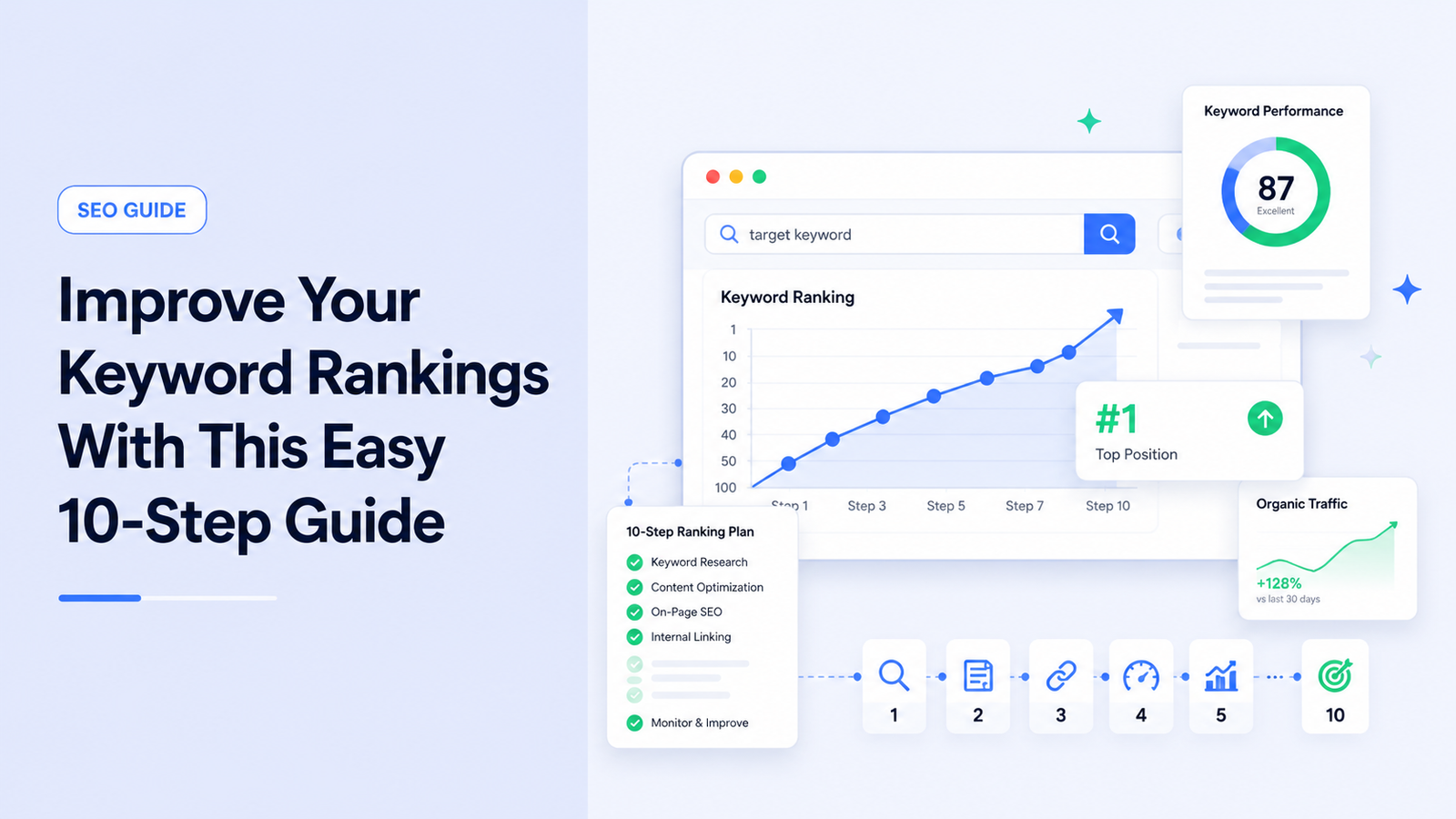
A Quick Recap Checklist
If you just want the short version to work through on your own stuck page:
- Check current rankings and queries in Search Console
- Confirm your content format actually matches search intent
- Rewrite your title tag and meta description for real clicks
- Add specific, real detail instead of generic filler
- Add a few relevant internal links pointing to the page
- Check page speed and Core Web Vitals
- Review your backlink profile honestly
- Rule out indexing, mobile, and canonical issues
- Track progress every couple weeks, not daily
- Schedule a check-in to update the page again down the line
None of these steps are secret tricks, and nothing here promises an overnight jump. What actually worked for me was going through this list methodically instead of guessing at just one fix and hoping for the best. That stuck post taught me that rankings rarely improve because of one big change — it’s usually a handful of small, boring fixes stacked together that finally tip things in your favor.